

If you are running a small business and wondering why your website is not showing up on Google, you are not alone. I have worked with multiple small business websites and the biggest mistake I see is assuming SEO is too technical or expensive. The truth is, ranking a small business website on Google is very achievable if you follow the right process.
In this guide, I will walk you through exactly how to rank a small business website on Google using practical, beginner-friendly strategies that actually work.
Table of Contents
Why Ranking on Google Is Critical for Small Businesses
When someone searches for a product or service, Google is usually the first place they go. If your website does not appear on the first page, you are losing potential customers to your competitors.
Ranking on Google helps you:
- Get consistent organic leads without paying for ads
- Build trust and credibility
- Compete with bigger brands locally
- Grow your business long term
SEO is not about tricks. It is about giving Google and users exactly what they are looking for.

Step 1: Understand How Google Ranks Small Business Websites
Before doing SEO, you must understand what Google cares about. Google ranks websites based on three main factors:
- Relevance: how well your page matches the search query
- Authority: how trustworthy your website is
- User experience: how people interact with your site
If your website solves a problem better than others, Google will eventually reward it.
Step 2: Choose the Right Keywords for Your Small Business
Most small businesses fail at SEO because they target the wrong keywords.
Instead of targeting broad keywords like:
- digital marketing
- plumber
- real estate
You should target long-tail keywords like:
- how to rank small business website on google
- seo for small business websites
- how to rank a local business website on google
- affordable seo strategies for small businesses
These keywords have lower competition and higher intent.
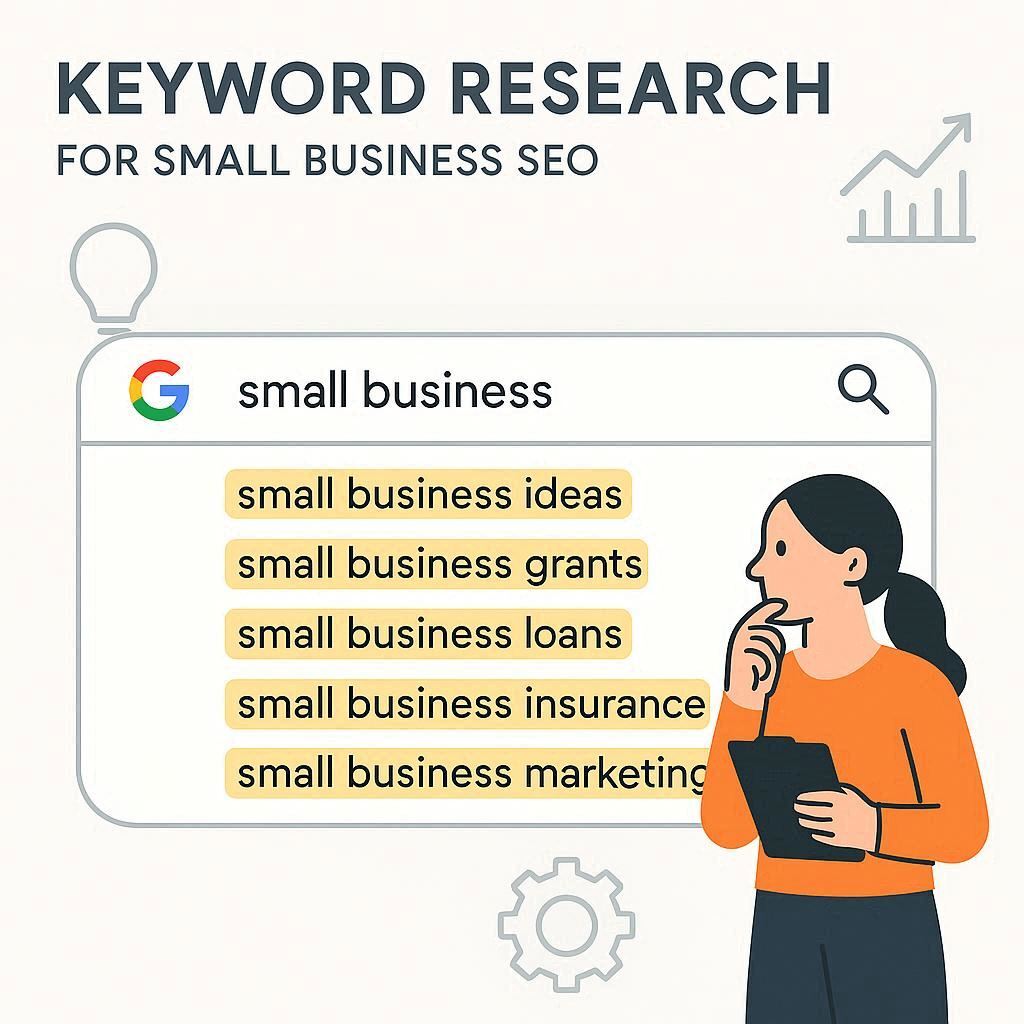
How I do keyword research
I use:
- Google autocomplete
- People also ask section
- Google Search Console
- Free tools like Ubersuggest
Always choose keywords that your customers would realistically search for.
Step 3: Optimize Your Website Pages for SEO
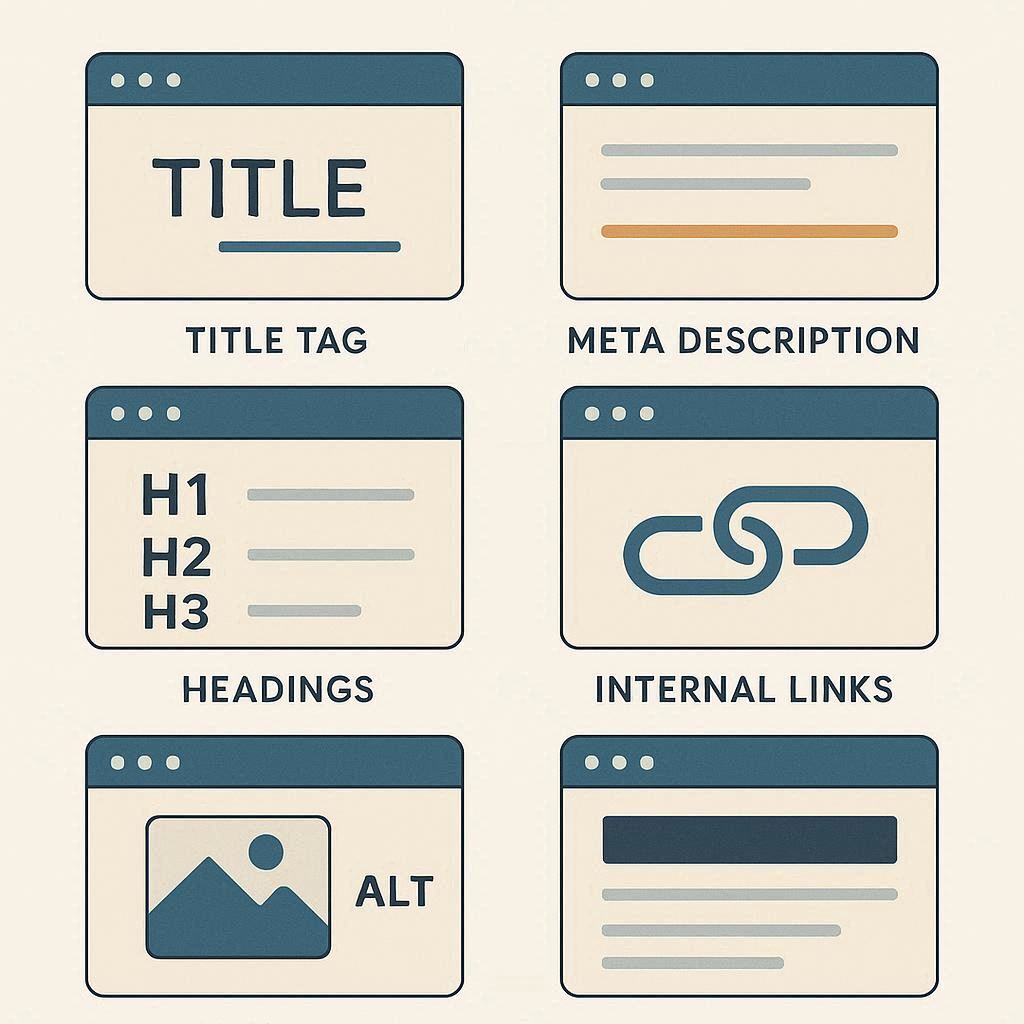
On-page SEO is where most of the ranking power comes from for small businesses.
Optimize your page title
Your title should include the main keyword naturally.
Example:
How to Rank a Small Business Website on Google: Proven SEO Strategy
Optimize your URL
Keep it short and clean:
yourwebsite.com/rank-small-business-website-google
Use headings properly
Use one H1 and multiple H2 and H3 headings.
Include keyword variations naturally in headings.
Improve your content quality
Google prefers content that is:
- Detailed
- Easy to read
- Helpful
- Actionable
Thin content will not rank anymore.

Step 4: Create High-Quality Content Regularly
If you want to rank a small business website on Google, content is non-negotiable.
I recommend creating blog posts that answer customer questions such as:
- How much does SEO cost for small businesses
- How long does SEO take to work
- How local businesses can rank on Google Maps
- SEO checklist for service based businesses
Each blog post should be at least 1,500 to 2,500 words and solve one specific problem.
Consistency matters more than volume.

Step 5: Optimize for Local SEO (Very Important)
For small businesses, local SEO is a goldmine.
Create and optimize Google Business Profile
Make sure you:
- Add correct business name
- Choose the right category
- Add photos regularly
- Collect customer reviews
- Respond to reviews
Use local keywords
Examples:
- seo services in delhi
- best dentist near me
- real estate agent in gurgaon
Add your city or area naturally in content and titles.

Step 6: Build Trust and Authority (Without Spamming)
Google trusts websites that others talk about.
Here is what I personally recommend:
- List your business on local directories
- Get backlinks from local blogs or news sites
- Answer questions on Quora and link back to your blog
- Publish guest posts on niche websites
Even 5 to 10 quality backlinks can make a huge difference for a small business.

Step 7: Improve Website Speed and Mobile Experience
A slow website kills rankings.
Make sure:
- Your website loads in under 3 seconds
- It is mobile-friendly
- Images are compressed
- Hosting is reliable
Google prioritizes mobile-first indexing, so mobile optimization is critical.
Step 8: Track Performance and Improve Continuously
SEO is not a one-time task.
I regularly track:
- Impressions and clicks in Google Search Console
- Page performance
- Keyword rankings
- User behavior
If a page is getting impressions but no clicks, I optimize the title and description.
If a page is ranking on page 2, I improve content depth and internal links.
Common Mistakes Small Businesses Must Avoid
Many small businesses struggle because they:
- Expect instant results
- Target highly competitive keywords
- Ignore local SEO
- Publish low-quality content
- Do not track performance
Avoiding these mistakes alone can put you ahead of most competitors.
How Long Does It Take to Rank a Small Business Website on Google?
From my experience:
- First impressions appear in 30 to 45 days
- Rankings improve in 60 to 90 days
- Strong traffic comes in 3 to 6 months
SEO rewards patience and consistency.
Some boring thoughts….
Ranking a small business website on Google is not about hacking the system. It is about understanding your audience, creating helpful content, optimizing your website properly, and building trust over time.
If you focus on solving real problems for your customers, Google will follow.